Your menu on paper and with QR, always up to date and easy to find on Google.

  • Design your restaurant's menu professionally in minutes with our Artificial Intelligence.
  • Change a price or a dish once and it updates everywhere.
  • Manage your online reservations with no commissions.
  • Improve your presence on Google and Maps: 93% of your customers check the menu before choosing.
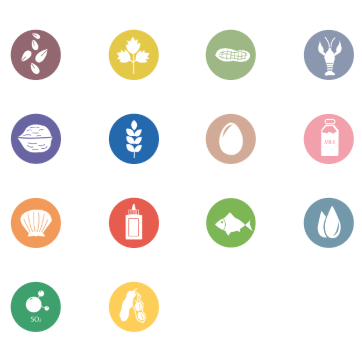
  • Translate it into 11 languages with a single click, with the 14 allergens up to date.

Create your menu in a minute: paste it or upload a photo and AI builds and translates it for you. Print it as PDF, publish it with QR, on your website and on Google, and take online reservations.

Try every feature free for 14 days, no card required.

0+
active restaurants
0+
published menus
0+
QR codes generated

Create, update and print your menus while giving online visibility to your restaurant

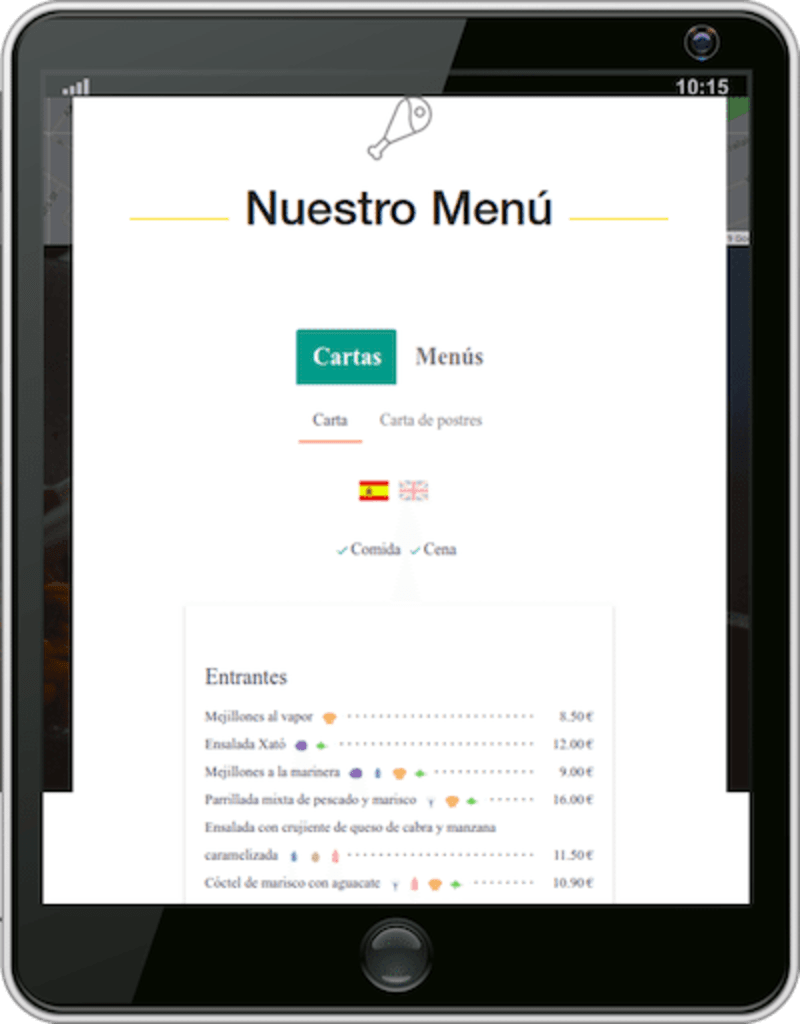
With MenuMaker you can publish your menus online and let customers see them from their smartphone (with allergens and multi-language). There are 3 ways to do it:

1. Publish your menus on wannamenu.com (option available with the free version). Wannamenu

2. Publish your menus on your own website.

3. Your restaurant menus, online and in pdf, with the same format. Download the QR of your menu or menu by pressing a single button.

Customers are used to the paper format. With this option, customers will see the same menu they are used to, but from their mobile device.

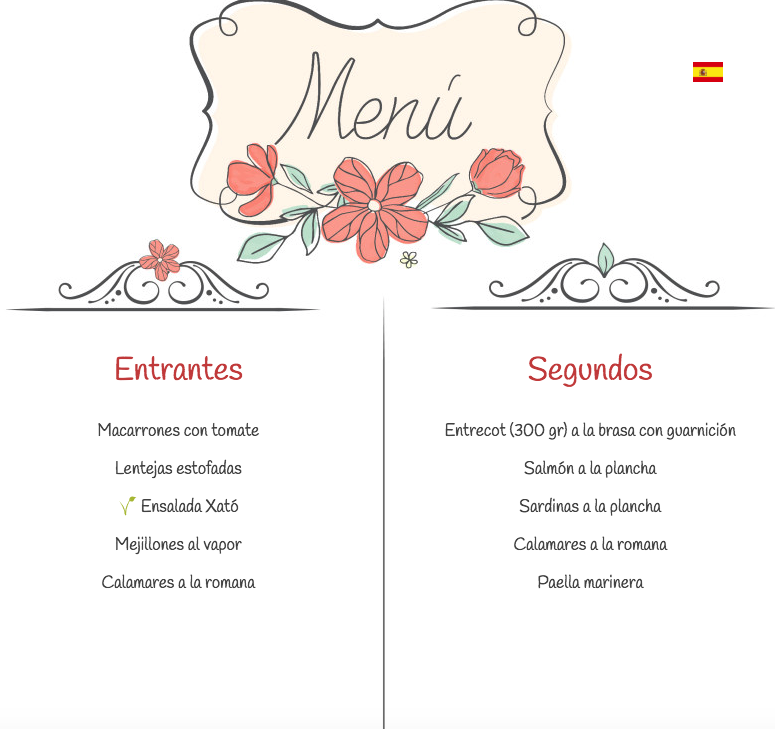
Examples of restaurant and café menus

RestaurantCafé

PDF Version

Online menu - QR

A complete solution for your restaurant's menus

According to an OpenTable study, 93% of consumers search restaurant menus before choosing where to go. Adding the menu online can be the deciding factor for a purchase decision.

Create your menus only once with MenuMaker and print them in PDF, publish them on your social networks, on Google and on your website. Improve your online visibility and let customers book online on your restaurant.

Set Menu

Set Menu

Create, edit and print your menus, in one or several languages, with our menu templates

Menu templates

Menu templates

Select one from our restaurant menu templates and add your dishes in one or several languages. Your menu ready in a few minutes

Menu with allergens

Menu with allergens

Create your menu with allergens, choose between several allergen designs, print it in PDF and publish it

Ready to design your restaurant's menu?

Get started

Manage your reservations and allow your customers to book online

More and more customers are booking through the web. With MenuMaker, you can allow your customers to book through your website, Google or Wannamenu, and manage all your reservations from one place. In addition, they will be able to see your updated menu at all times with designs that match the image of your restaurant.


Google logo

Publish your restaurant and menus on Google

Over 63% of consumers visit a business’s Google My Business or Google Maps listing before choosing a restaurant, which makes it an excellent location to upload your menus.

With MenuMaker you can publish directly on your Google and Google Maps listing:

> Your restaurant's menus.

> Offers.

> Photos.

> Your restaurant data.


MenuMaker widget embedded in a restaurant website

Publish your menus on your website

An essential task to attract customers and improve search engine position is to include the menus on your website in an appropriate manner.

Pasting a simple code on your web page you can visualize the menus that you create in MenuMaker.

Search engines reward the publication of relevant content. Search engines cannot index images or PDF files. Therefore, using photographs from your menu has a very low impact.

Pasting the MenuMaker Widget on your website, we make possible that search engines can index the information of your menus in an appropriate way and thus efficiently improve your positioning and relevance.

> Use Case: Restaurante Ribera

Ribera restaurant is located on the beach of Sitges, with a large number of clients with multiple languages, mostly English and French, but also many Chinese, Japanese and Russian clients. At the same time they create the restaurant menus to print them in PDF, by pressing a single button, they publish them on their own web page, besides publishing it on Google and wannamenu.

Now not only customers are able to see the menus in several languages, but they have managed to position their website much better in search engines thanks to the structured content provided by the widget.


Publish the menu with allergens on Wannamenu

Create a page for your restaurant and publish your menus on Wannamenu

With Wannamenu You can create a free page for your restaurant and publish the data and menus that you create with a single click.

Improve your positioning and visibility by creating a page in just a few minutes.


Post your menus on Facebook

Share with your followers your menus and set menus with a single click.

Activate online bookings and boost your visibility on Google.

Get started

Save Time and Money

We want to make your life easier. Check our fabulous options to help you manage your restaurants

Automatic translation

Automatic translation with a single click.

Allergens

Adapt to the new regulations including allergens in your menus

Templates

Select your favorite design among our templates

Multi language

Your menus in multiple languages, fast, simple and painless

Print in PDF

Print in PDF with just one click

Share on social networks

Share your menus on facebook

Manage multiple restaurants

Do you have more than one restaurant? With MenuMaker you can import and share dishes and menus between your restaurants.

QR

Print your menus with a QR code. This will redirect you to a page with your translated menu to the languages ​​that you choose.

Customize the designs

Include your logo, images and backgrounds. Change the font, color and size, and much more!

Start free today. No card, no commitment.

Get started

Do you want to give your restaurant a boost but you prefer us to manage it?

Ask us for more information at info@menumaker.es and we will send you an email with our plans.

The program to create your restaurant menu

MenuMaker is the app to create restaurant menus that lets you design your restaurant menu in minutes. Choose a restaurant menu template, edit it and create your restaurant menu online, ready to print as a PDF or show as an online menu with a QR code.

It includes AI to create restaurant menus: paste your list of dishes or upload a photo and the menu builds itself. You get menu templates to edit, restaurant menu examples and professional restaurant menu design, all in one restaurant software available on menumaker online.

Frequently asked questions about restaurant menus

How can I make my restaurant menu?

You can create your restaurant menu by choosing a template, adding your dishes and prices and publishing it with a QR code or as a PDF. You can also generate a menu for your restaurant with AI from a photo or your list of dishes.

Do I need design skills to design my restaurant menu?

No. MenuMaker is built so anyone can design professional-looking restaurant menus without technical knowledge.

How long does it take to make MenuMaker pay for itself?

Usually right away: if just one extra diner a month comes in thanks to your online menu, your better presence on Google or your reservations, the plan already pays for itself. And plans start at €6.50/month with the annual plan.

Can I try MenuMaker for free?

Yes. You can create your menu and try the editor for free. To print it without a watermark and publish it online with QR without a watermark, you choose a plan from €6.50/month with the annual plan.

What types of restaurant is it for?

Any kind: bars, cafés, pizzerias, restaurants, food trucks… If you have a menu, MenuMaker helps you create it, print it and publish it online.